Just for fun and discovery.
Same as for distros and DE/WM.
Share your own, as an image, or just a written list. :)
Mine:
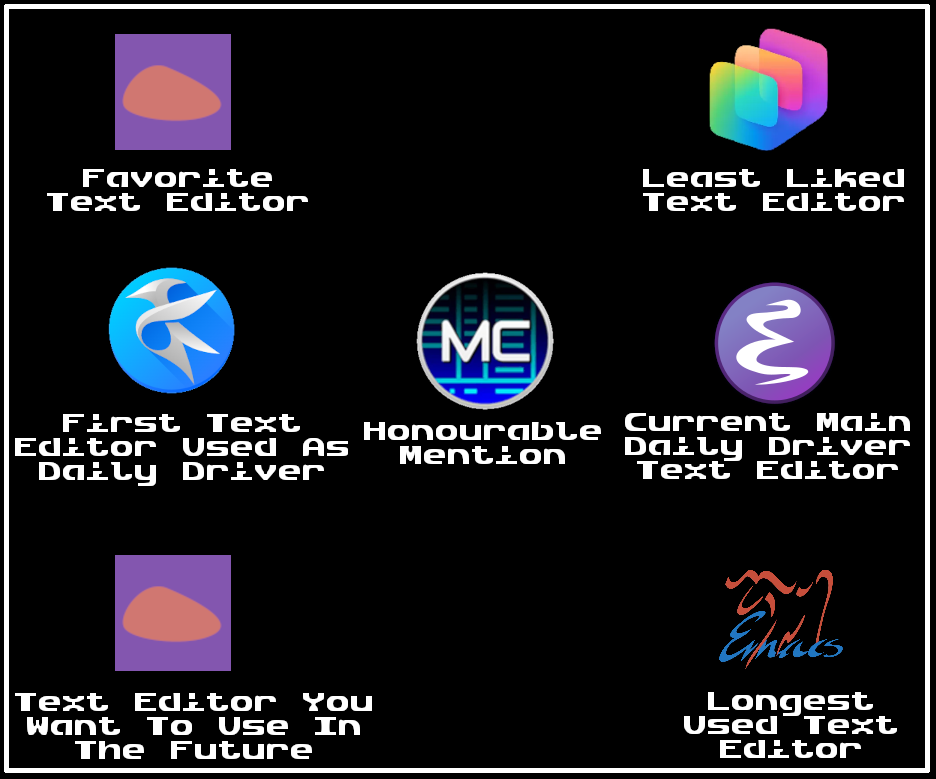
- Fave: Fin
- First: Kate/Kwrite (KDE3 era (… no logo back then though?))
- Future: Fin
- Honourable Mention: Midnight Commander’s mcedit
- Loathed: Copilot Studio
- Current: GNU Emacs
- Longest: GNU Emacs
;) I didn’t want to wait and see if @misty@lemmy.zip would make a text editor one. So I just made my own. :)
interesting how things turned out today. no one will spend time configuring an editor anymore, and just use a pre-configured, possibly web based, default.
I started with ms dos edit/borland. moved to Linux and emacs/xemacs shortly after (this was when the two editors were split).
got emacs pinky and moved to vim. stayed with vim for 15+ years. finally moved to neovim (because of the Firefox extension firenvim)
Well call me “no one”.
wc ~/.emacs.d/config.org
4831  21376 200536 /home/digit/.emacs.d/config.org
(… not to mention having written my own, in fish, since I know fish better than I know elisp (despite using them for around the same length of time), with the goal of it being simple to extend and reconfigure for fish users (like me, wanting a better handle on my text editor reconfiguring and learning how to better use the configuration language.)).
setxkbmap -option ctrl:nocapsSave you, it can. ;)
Though, then there’s also evil-mode, and spacemacs and doomemacs, which I think both have evil-mode on by default.
I’d swapped control and capslock almost immediately and still got emacs pinky. when I found vim, I decided I liked it more than the escape meta alt control shift madness, and quit. the vim script was better than elisp, but not great. neovim lua is better than vim script, but still a little lacking.
i too have thousands of lines in my neovim config… but if I was starting today, the point and click editors are adequate enough that I might not invest the time.
that said, I just added two plugins into my config today 🙃🙃